From weekly results to your next objective: see how work gets done in Alliance Ops.
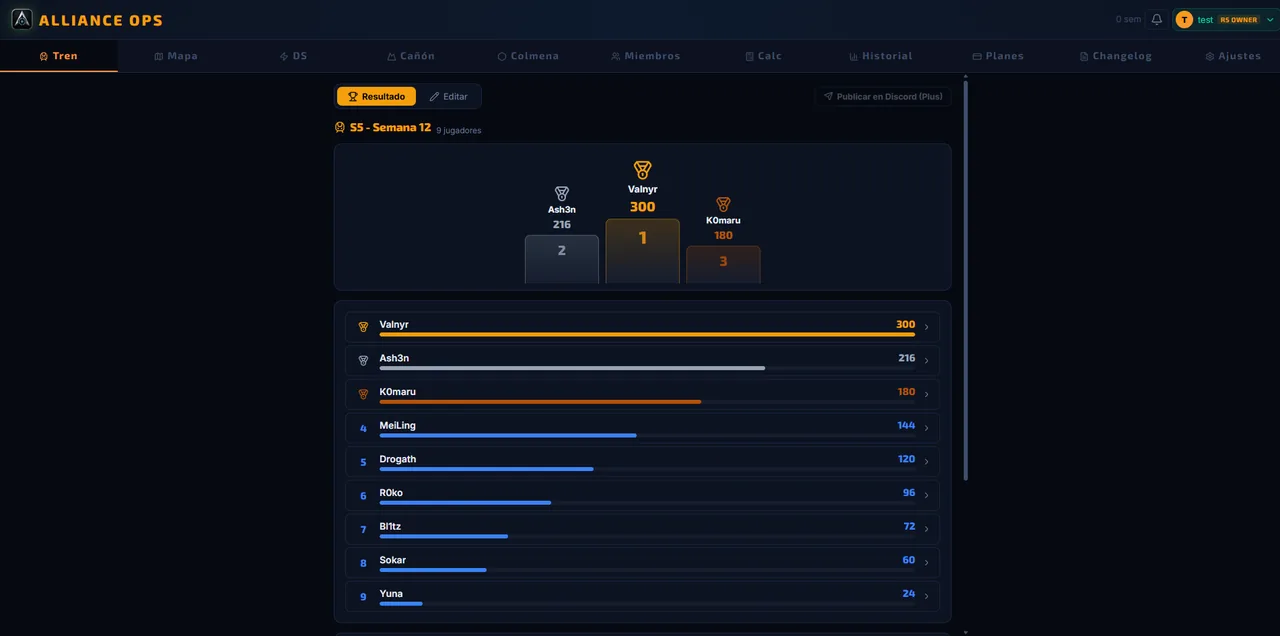
01 · Train OCR
Screenshots → ranking
Upload your week's event screenshots and turn them into an objective ranking with flexible name matching. Use the results to assign conductor turns without redoing the work by hand.
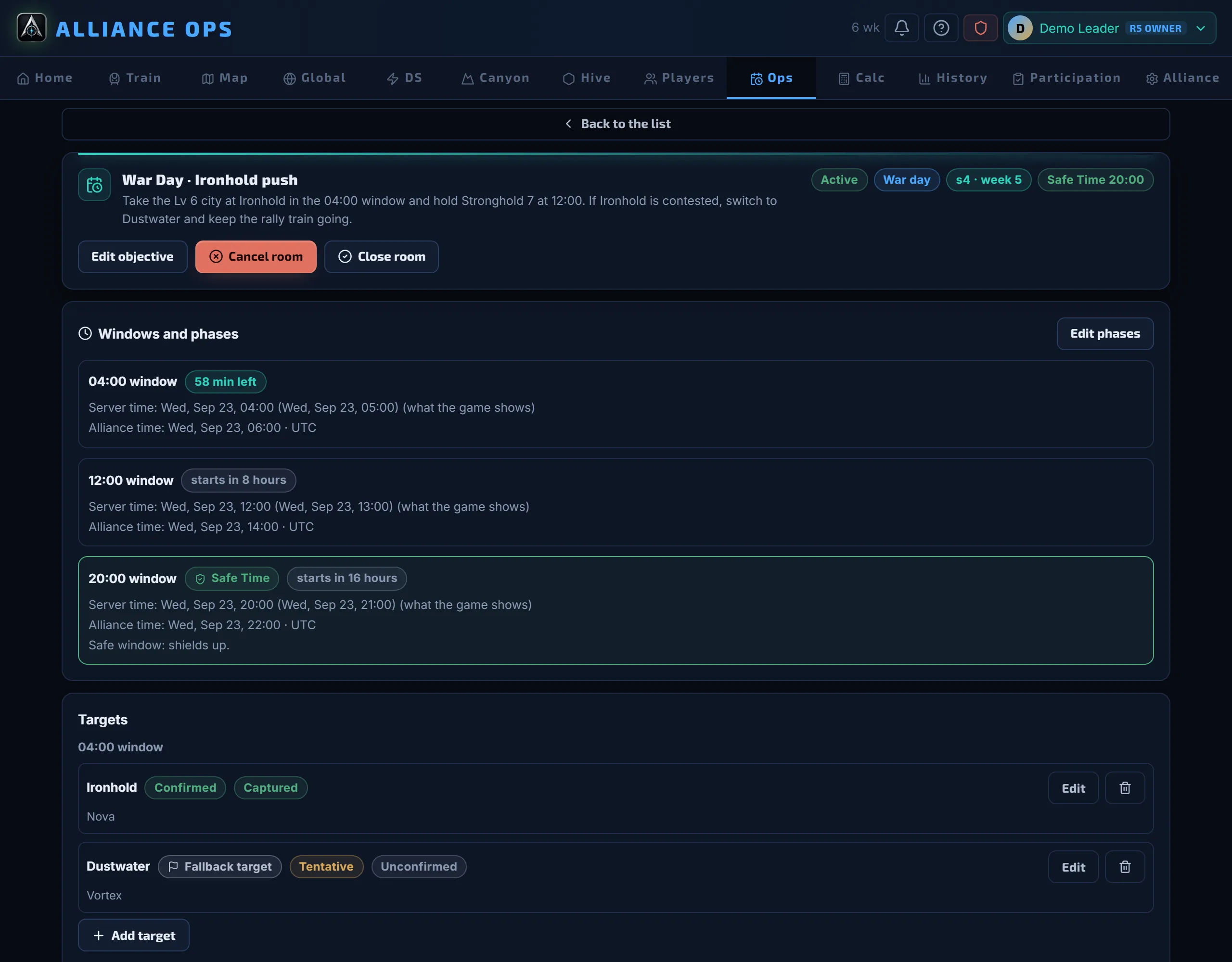
One room per operation (a war day, a Warzone Duel or a free-form plan) with time windows and a countdown, targets with a rally leader and reinforcements, assigned tasks and a decision log. Every member sees their own orders and marks them in progress, done or blocked with one tap. In Warzone Duel, the bracket follows every round through Capitol War.
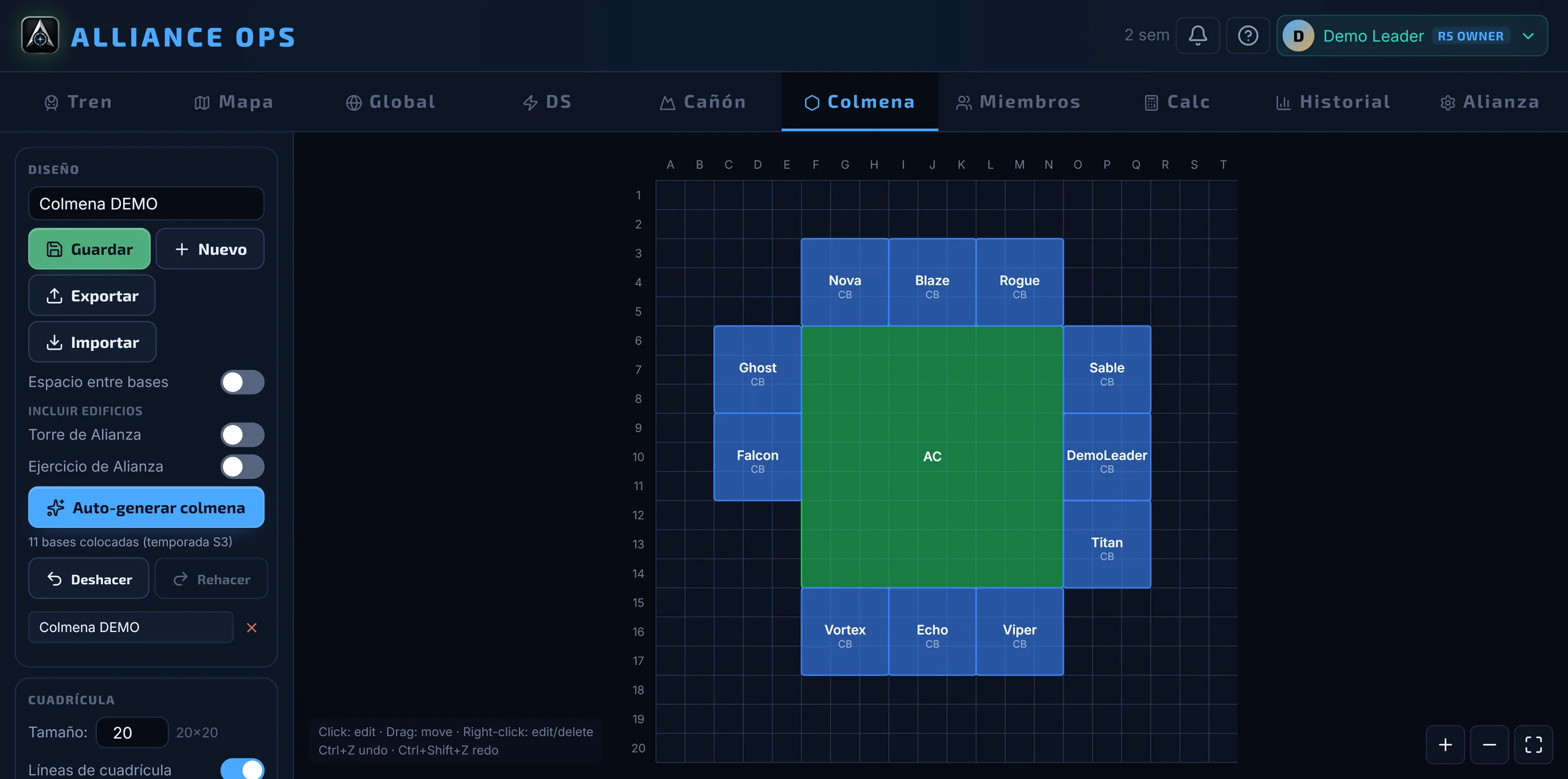
Drop an Alliance Center and auto-generate the hive in one click: one base per real member, using the roster and OCR names, packed and centered inside your season's influence range.
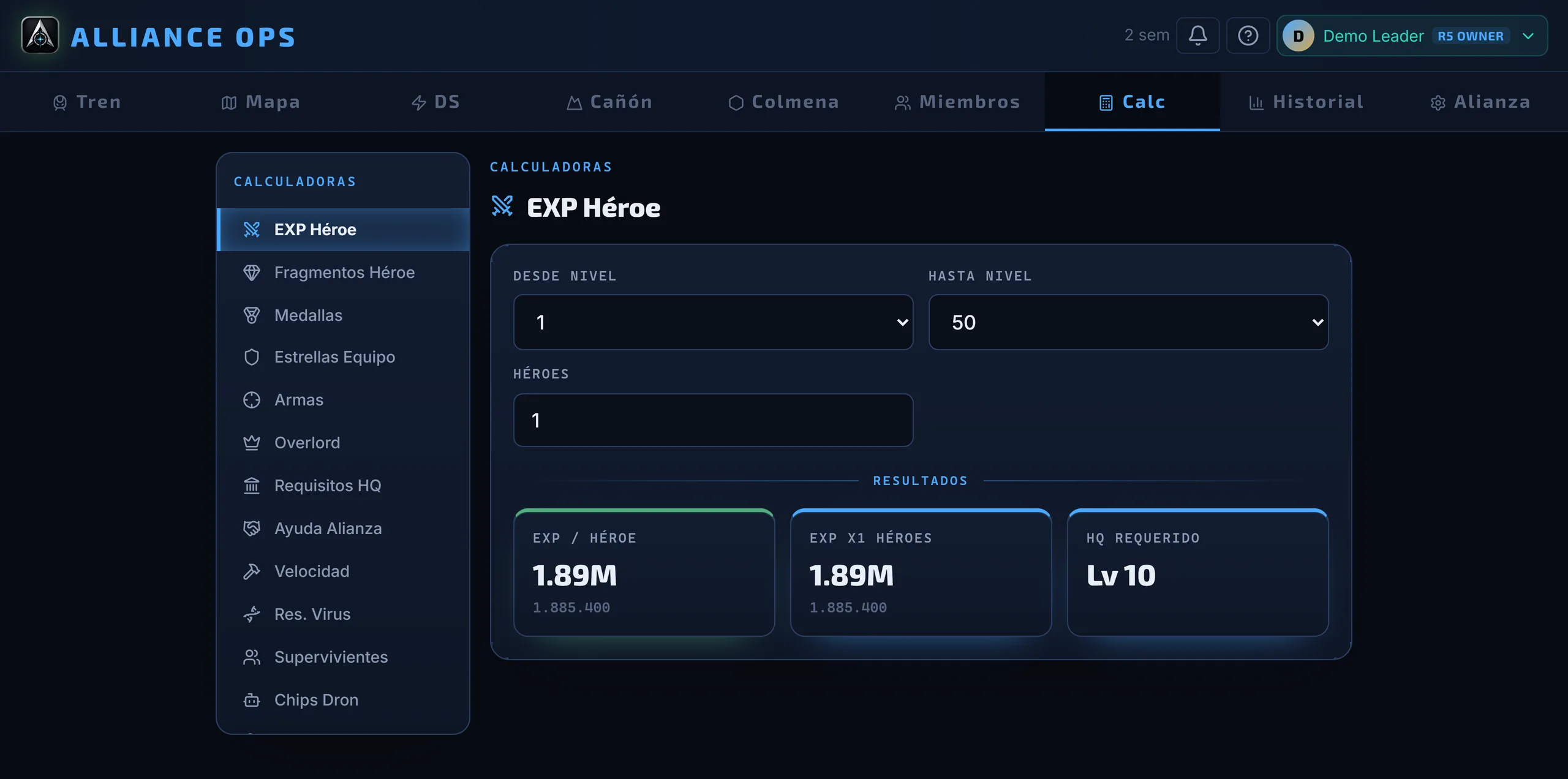
Plan upgrades without guessing: hero EXP, exclusive-weapon shards, virus resistance and more, with per-level costs faithful to the game and cumulative totals instantly.
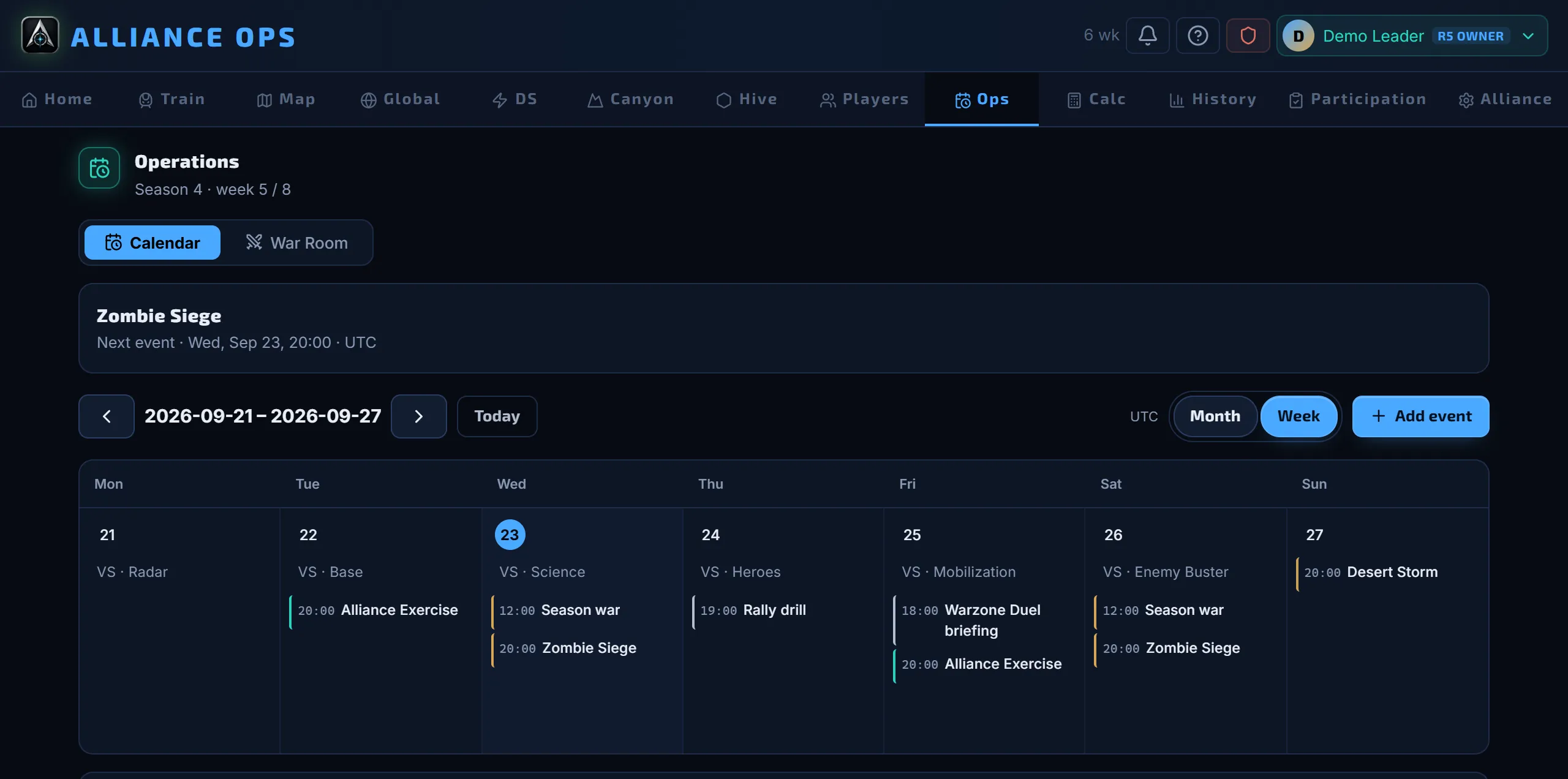
Plan the alliance's week with one-off or recurring events and season objectives. Every member declares their timezone, their usual week and the days that fall outside it, and leaders see hour-by-hour coverage before setting an event. Every hour also shows in the timezone of whoever is checking it.
From the leaders who run the alliance to the members who join the event: Alliance Ops gives each rank exactly the information it needs to act.
R5
Leaders
Run the alliance and coordinate with the server.
Alliance overview
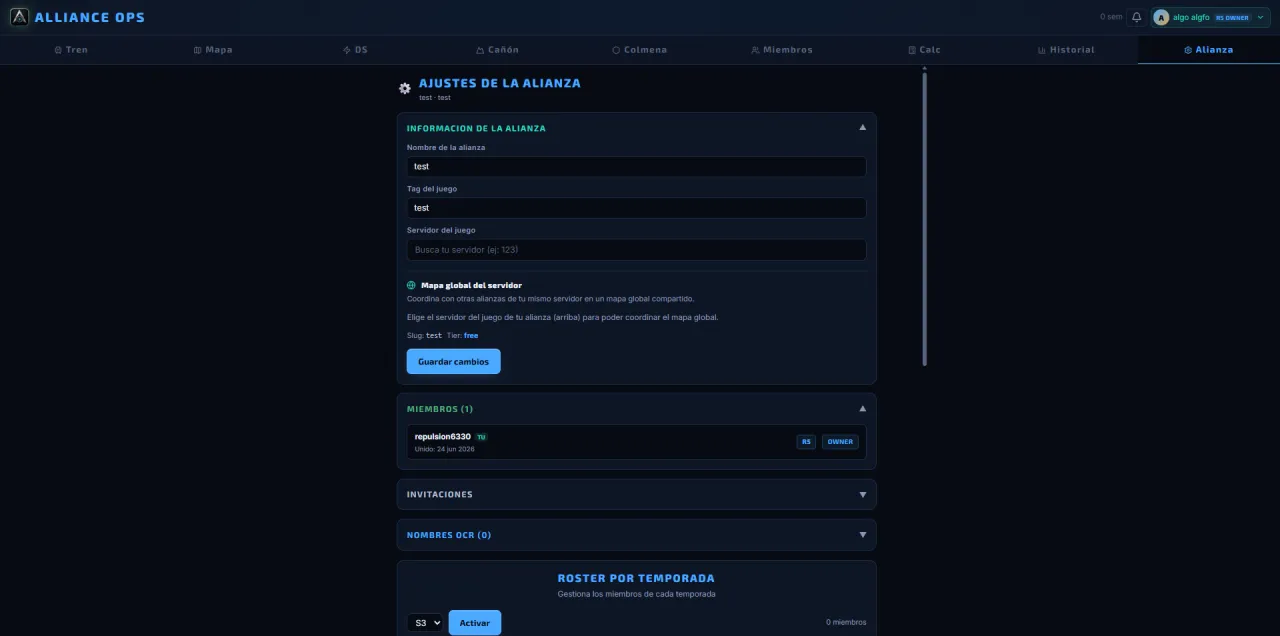
Roster and member control
Reusable strategies
Coordination with other alliances
R4
Strategists
Prep events and split the work.
Desert & Canyon Storm prep
Team assignment
Map routes and phases
Publishing results to Discord
R1–R3
Members
Join the event knowing what to do.
Check event priorities
See the strategy and their position
Review the roster and their progress
Take part without relying on screenshots
Pricing
Start free. Upgrade when you need to.
The Train, maps and planners are complete on every plan, including Desert Storm team balancing. Plus reads the poll and results from screenshots, generates the hive and publishes to Discord. Pro adds the per-member reading: who shows up, how much they score and how their power moves.
Each OCR use is counted per batch: one full Train, one roster import or one poll equals a single use, no matter how many screenshots you upload. The Server Global Map is included on every plan.
FAQ
What alliances usually ask
What is Alliance Ops?
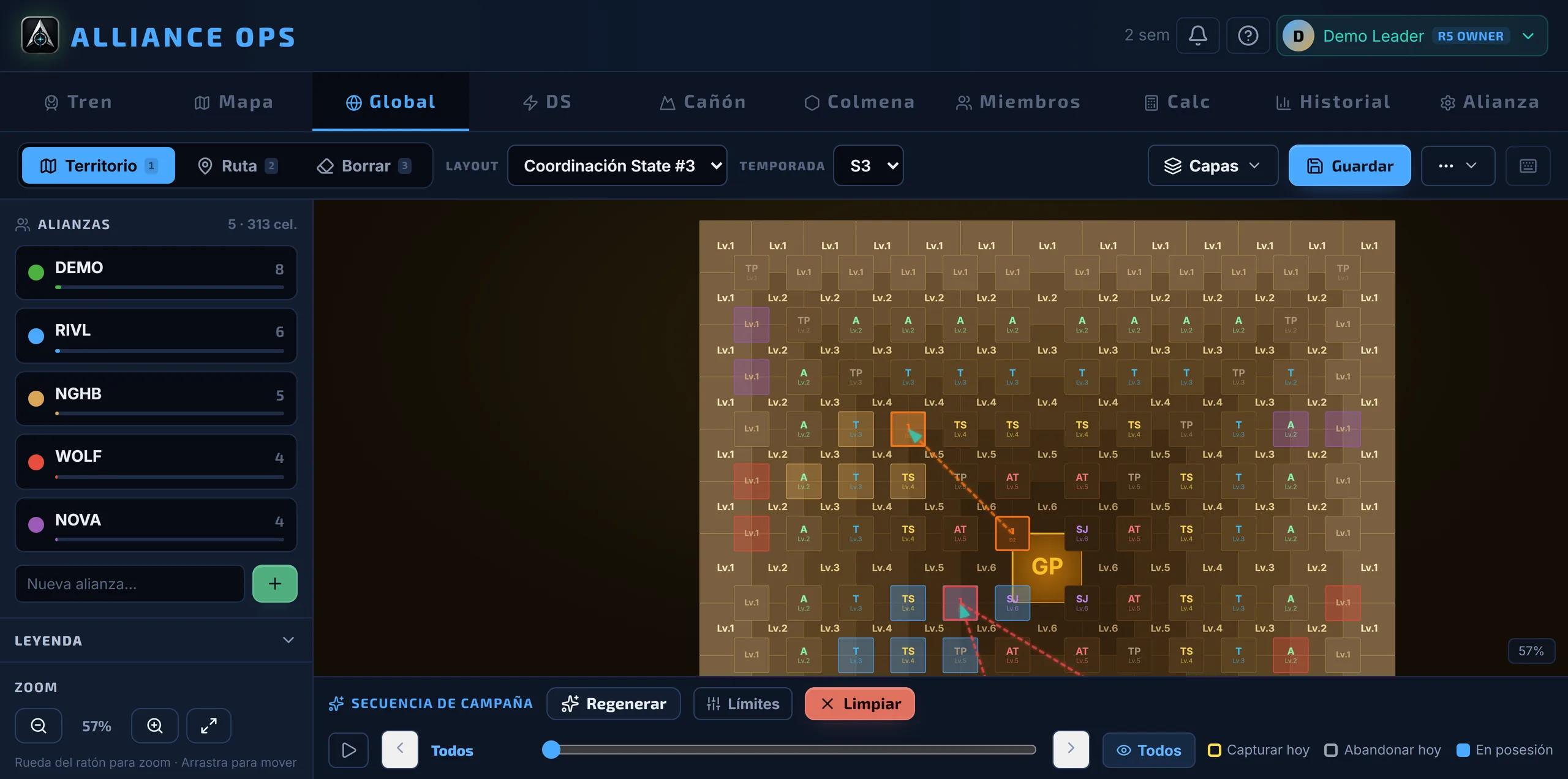
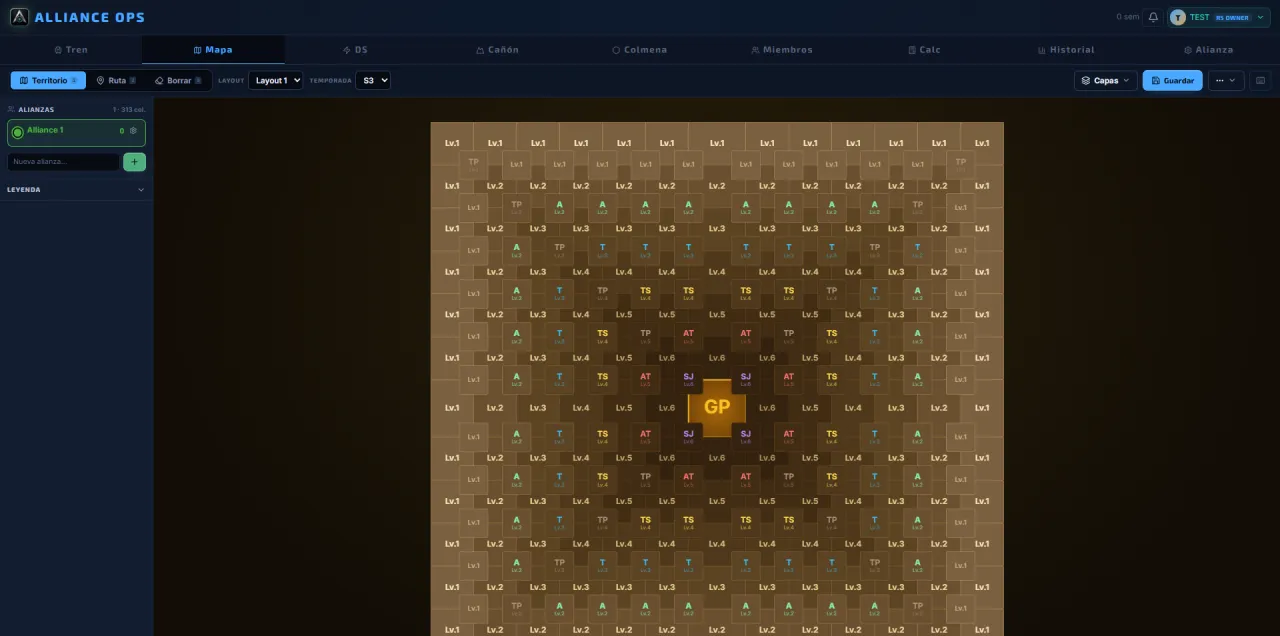
Alliance Ops is a web command center for Last War: Survival Game alliances. It brings together Train OCR, Desert Storm and Canyon Storm planners, a War Room for the wars, an operations calendar, tactical maps, roster, progress, history, publishing to Discord and a Global Map shared across your server's alliances.
How does the Train OCR work?
Every week you upload the screenshots of your event results (the daily VS, donations, Desert Storm, Meteor and seasonal contributions). The vision AI reads names and positions, each place scores points (with optional multipliers on special weeks) and the app combines everything into an objective ranking with flexible name matching. With that ranking you hand out the next week's Train conductor turns on merit, not by roulette or favoritism, and it all stays in the history. Each batch of screenshots counts as a single OCR use.
Does it work for Desert Storm and Canyon Storm?
Yes. It includes dedicated planners for Desert Storm and Canyon Storm with member assignment, positions, phased movements, factions, objectives and saved strategies to reuse across rounds.
What else is included besides the Train and the maps?
A hive planner that auto-generates the whole hive in one click (one base per member, centered inside your season's influence range) and a suite of in-game calculators (hero EXP up to level 175, exclusive-weapon shards, virus resistance and more) with per-level costs faithful to the game.
Can several alliances on the same server use it?
Yes. Each alliance keeps its roster, its maps and its history private. The Global Map lets verified alliances on the same server coordinate routes, zones and objectives on a single board. The server President decides which alliances get in.
Does it help coordinate wars and the alliance calendar?
Yes. The Operations tab brings together the alliance calendar, season objectives and the War Room. In the War Room you prepare every war day or Warzone Duel with time windows, targets, rally leaders, reinforcements and assigned tasks, and every member sees their own orders. Each member also declares their availability and timezone, so events get set at a time most people can make.
Which languages is it available in?
Eleven: Spanish, English, French, German, Italian, Russian, Ukrainian, Chinese, Japanese, Korean and Arabic, with a right-to-left interface in Arabic. Each member picks their own, so an international alliance runs on the same app while everyone reads it in their language.
Does it work on mobile?
Yes. Alliance Ops runs from the browser on mobile and desktop, with nothing to install.
Is Alliance Ops affiliated with Last War?
No. It's a fan-made tool for players and alliance leaders. It is not affiliated with or endorsed by the makers of Last War: Survival Game.
Ready to coordinate
From improvising every event to leading with clear information
Bring screenshots, maps, roster and strategy into a single command center. Start free and bring the rest of your alliance.